
Hello from MomoPDF: free PDF tools that stay on your device
By MomoPDF · · 3 min read
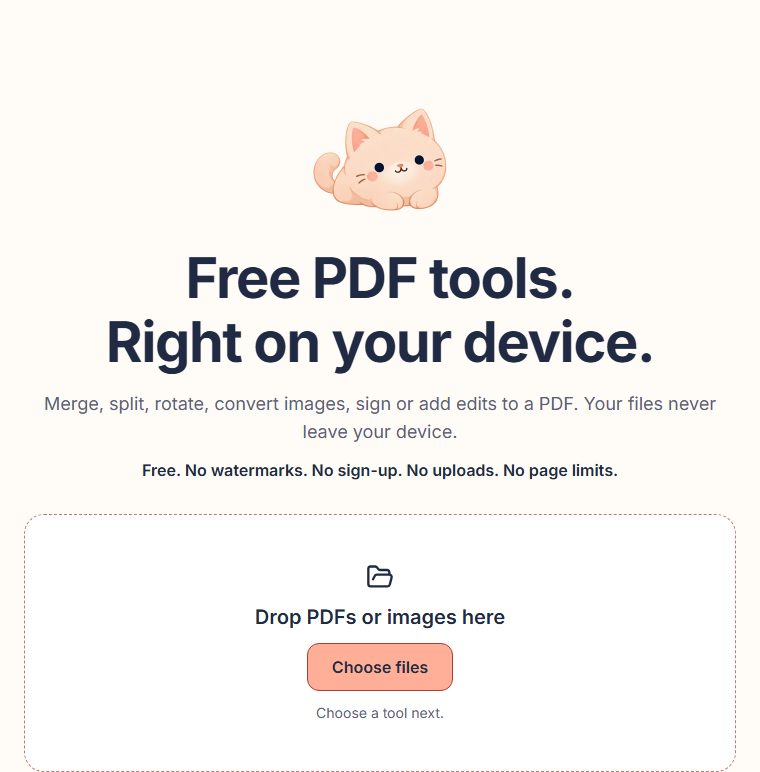
You probably know the feeling. You search for a free PDF tool, upload your file, and then find out the free version stamps a watermark on it, stops after a few pages, or wants you to sign up first. And your document now sits on someone else’s server.
MomoPDF is our answer to that. The promise is short:
Free. No watermarks. No sign-up. No uploads. No page limits.
What you can do today
- Merge PDF: combine files in the order you choose.
- Split PDF: keep just the pages you need.
- Rotate PDF: turn sideways pages the right way up.
- Images to PDF: turn photos and scans into one PDF.
- Sign PDF: add your signature and the date.
- Edit PDF: add text, images, highlights and boxes on top of a page.
Your files stay with you
MomoPDF works differently from most PDF websites: your browser does all the work, on your own phone or computer. Your files are never sent to us. That’s why there’s nothing to sign up for, and nothing for us to store, lose or leak.
The one limit is size: each file can be up to 100 MB, because everything happens in your browser’s memory.
What MomoPDF can’t do yet
We’d rather tell you now than let you find out halfway through:
- Open PDFs that need a password. Here’s a workaround for your own files.
- Make PDFs smaller, or turn them into Word documents.
- Change text that’s already in a PDF. Edit PDF adds new things on top.
What’s next
Next on the list are free tools to reorder and delete pages, add page numbers and add a text watermark. You can see them as “Coming soon” on the tools page. Later, we’d like to offer an optional paid workspace for people who want to keep their files in one place. The free tools will stay free.
We’ll post here whenever something new arrives, so check back now and then. Momo the cat says hi.